
How to save recipes on your iPhone
I saved one recipe four ways on my iPhone: Reading List, Notes, a full-page PDF and Sambal. Here's what each one actually keeps.
I picked one recipe, Gnocchi cacio e pepe from BBC Good Food, and saved it four ways on my iPhone on the same evening. This is what each method kept.
1. Safari Reading List
In Safari, tap Share, then Add to Reading List. You find it again under Bookmarks, on the tab with the glasses.
When I opened the recipe from my Reading List, I got the full page back: the site header and two banners asking me to download the site's own app, before the recipe even started.
To keep pages available without a connection, turn on Automatically Save Offline in Settings > Apps > Safari. It was already on for me, and the page still came back with everything around the recipe.
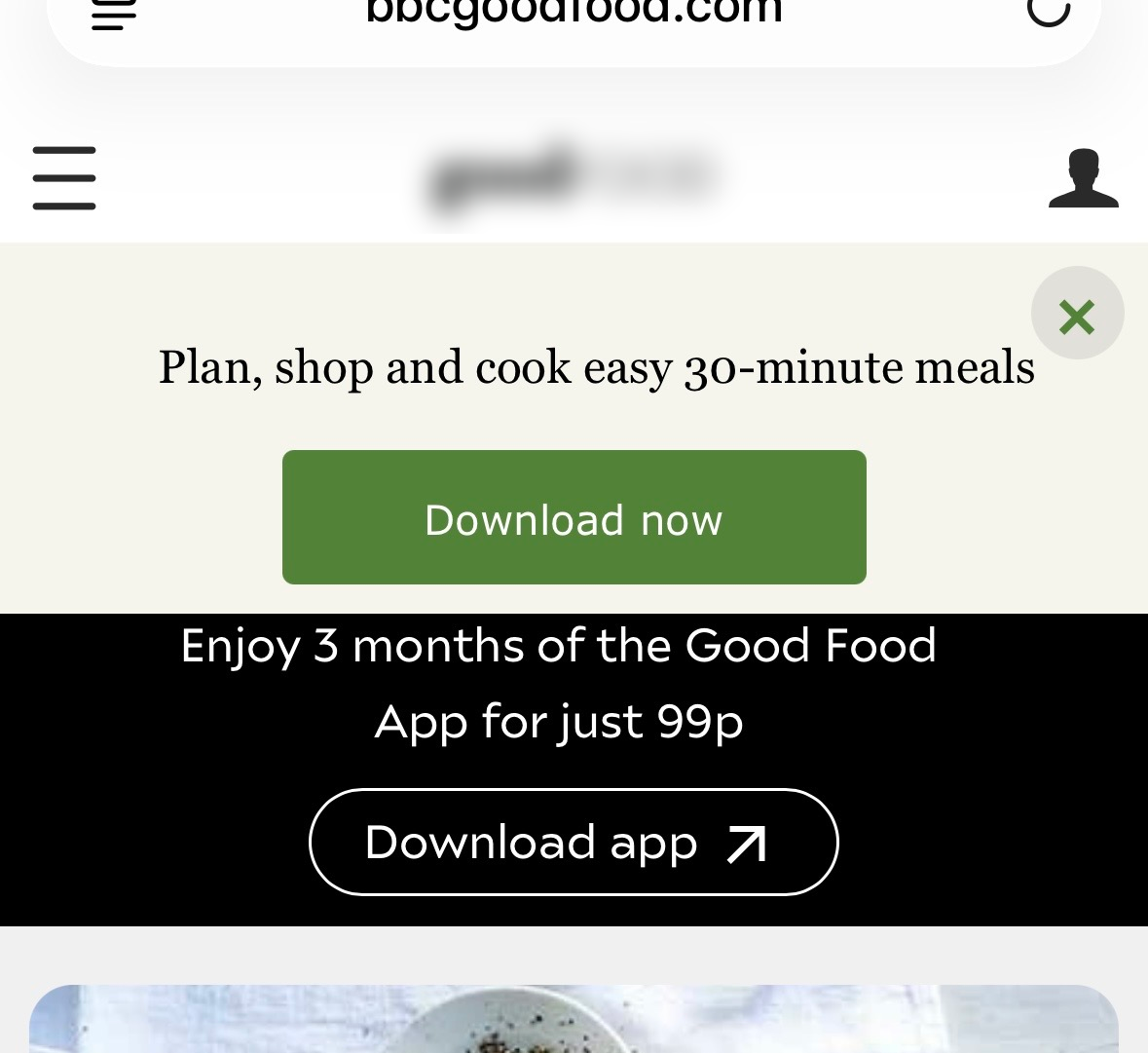
Safari also has Reader: tap the page menu button at the left of the address bar, then Show Reader. On this page Reader showed two reader comments and no recipe at all. On recipe pages, check what Reader shows before you rely on it.
2. Apple Notes
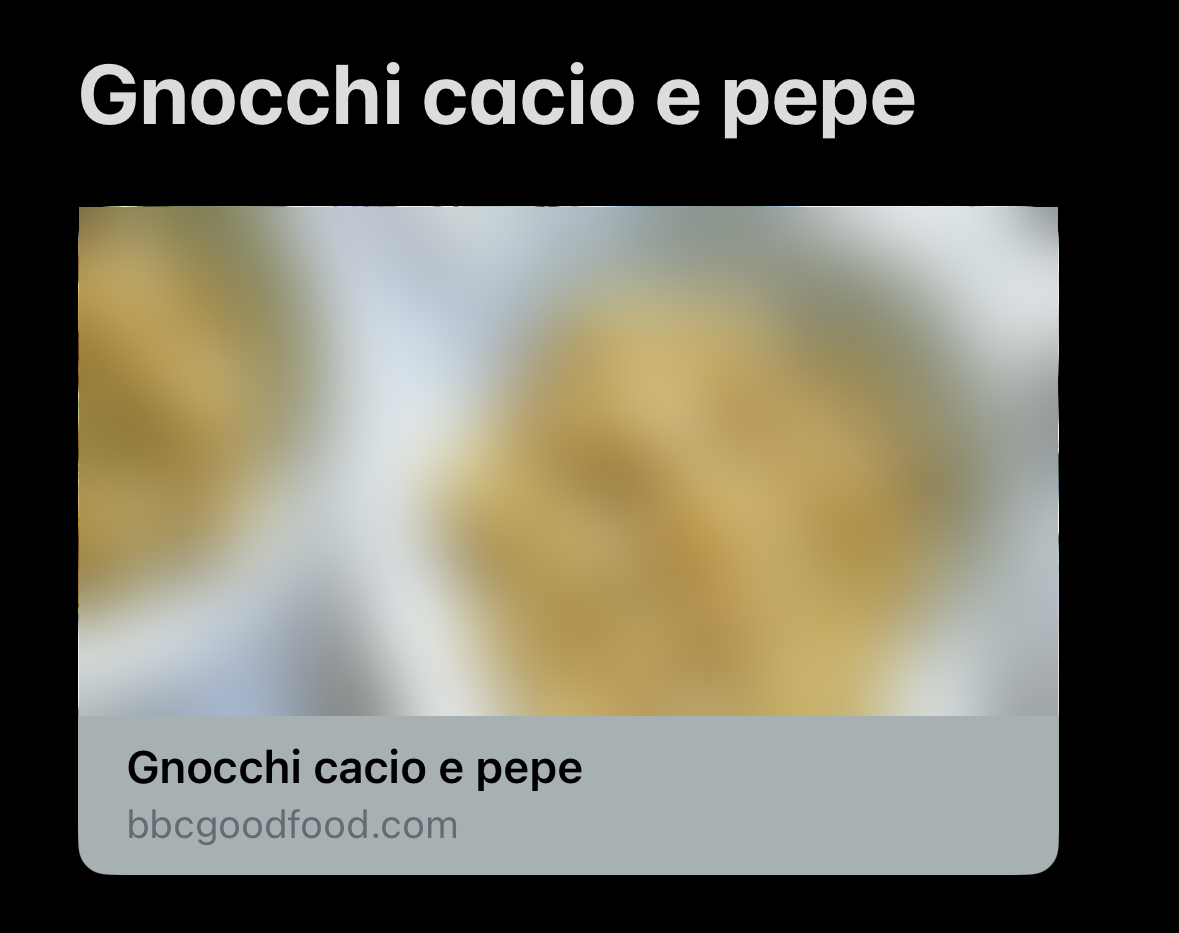
Tap Share, then Notes, then Save. The note shows the recipe's title, a photo and the site name, and Notes lists it as "1 web link".
That is all it saves: a link. To read the recipe you tap through to the website, with everything around the recipe still there. If the page ever changes or disappears, the note can't help you.
3. A screenshot or PDF
Take a screenshot, tap the preview, choose Full Page at the top, then Done and Save PDF to Files.
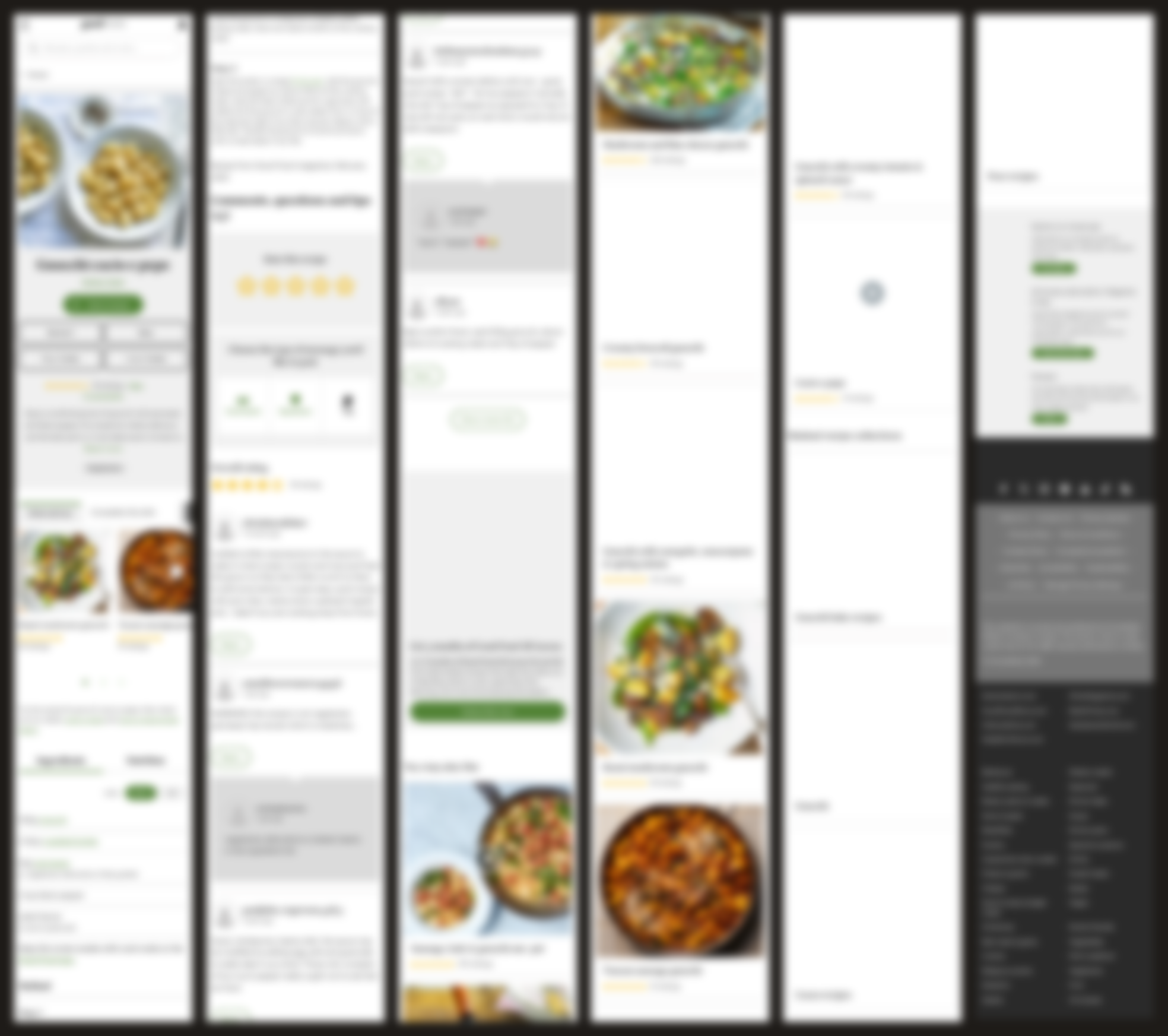
This keeps everything, and that's the problem. My PDF ran to more than a dozen iPhone screens. The ingredients and steps take up a small part near the top; the rest is ratings, reader comments, a subscription offer, other gnocchi recipes and the site's footer. It's on your phone, but you can't tap a time to start a timer.
4. A recipe app
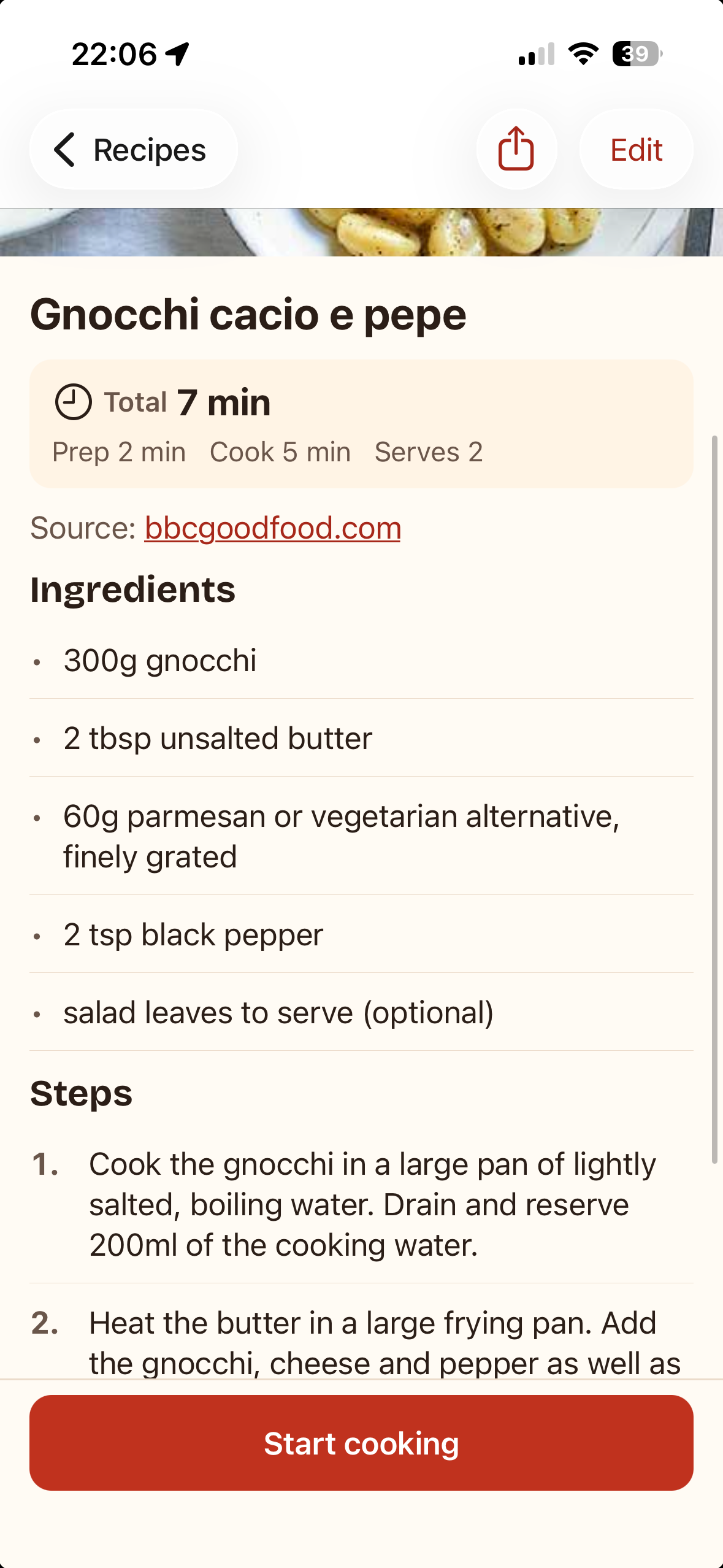
Recipe apps read the recipe data that most recipe sites publish for search engines, and keep only that. I used Sambal, which I make. In Sambal, tap +, choose Import from link, paste the link and tap Import. The preview showed the five ingredients, the two steps, prep 2 min, cook 5 min and serves 2. Then I tapped Save.
The saved recipe keeps a link to the original on bbcgoodfood.com. It's stored on the iPhone, so it opens without a connection, and in cook mode you can tap a time in a step to start a timer.
Side by side
| Method | Works offline | Just the recipe | Cost |
|---|---|---|---|
| Reading List | Yes, with Automatically Save Offline on | No | Free |
| Notes | No, it's a link | No | Free |
| Screenshot or PDF | Yes | No | Free |
| Sambal | Yes | Yes | Free for 15 recipes, then €6.99 once |
Which one should you use?
For one recipe you'll cook tonight, Reading List is fine. For a collection you'll cook from for years, keep the recipe itself, not a link to the page. A PDF does that for free, but you'll scroll past comments and footers with floury fingers. A recipe app keeps just the part you cook from.
Apple, iPhone, Safari and Apple Notes are trademarks of Apple Inc. Site names on this page are trademarks of their owners. Sambal is an independent app and is not affiliated with or endorsed by Apple or the sites named here.

Try Sambal free
15 recipes free. Pro is €6.99 once, no subscription.